
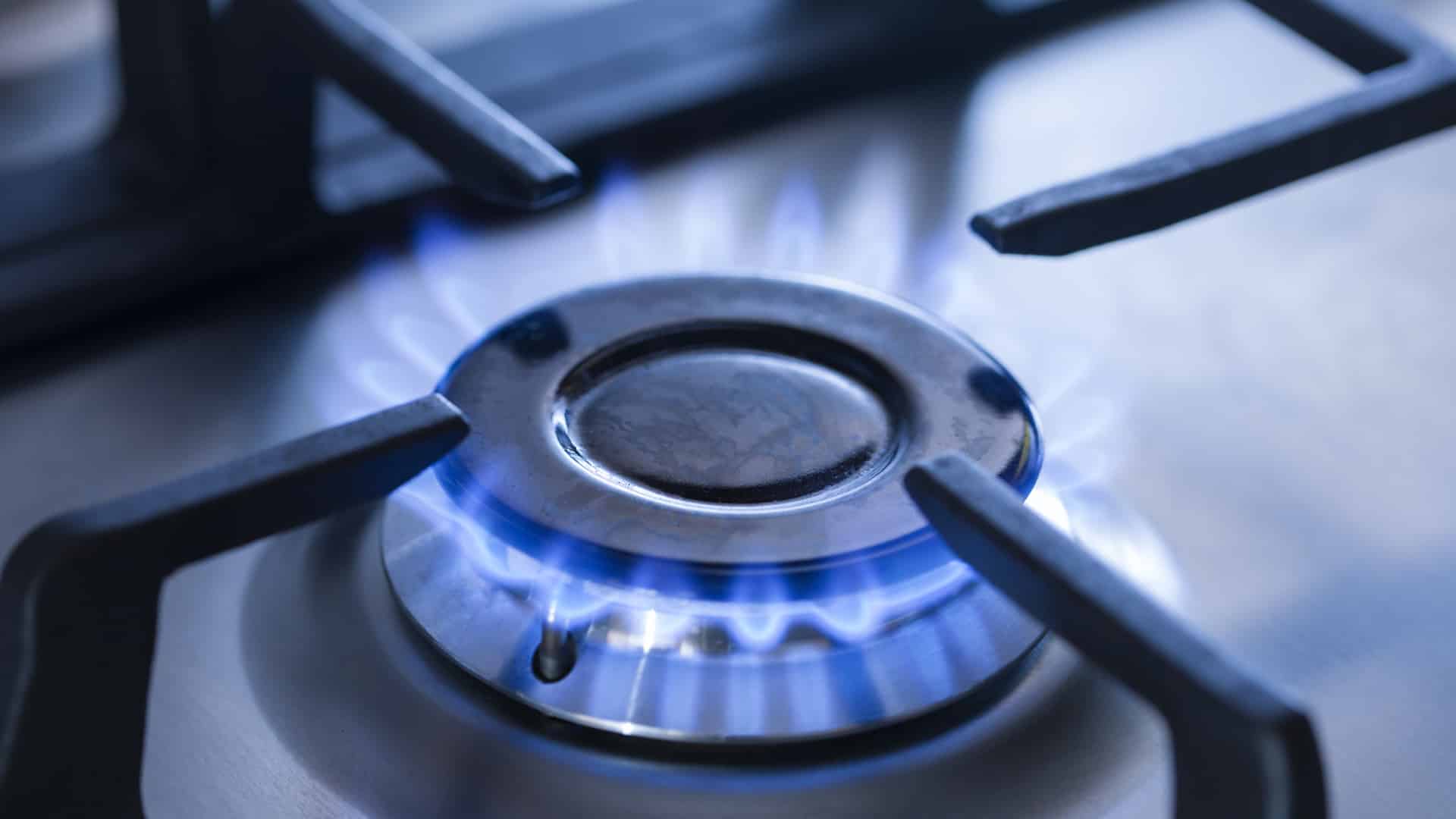
That rapid click-click-click from a gas stove can make you feel like you are standing next to a dripping faucet you cannot shut off. The good news is that continuous clicking is usually a simple signal: the stove thinks the ignition circuit is still being triggered, or the spark is shorting where it should not.
I have chased this exact issue after boilovers, after a deep clean, and once after my kids “helped” wipe the cooktop with a soaking wet rag. Below is the same safety-first order I use at home so you can fix the easy stuff first and avoid replacing parts you do not need.
Safety first (do this before troubleshooting)
- Turn all burner knobs to OFF. Do not assume one is fully off. Physically check each knob.
- Ventilate. If you smell gas, open windows and do not use electrical switches.
- If you smell gas strongly or continuously: shut off the stove gas valve (usually behind the range), leave the area, and contact your gas utility or a qualified technician.
- Unplug the range or switch off the breaker before removing burner parts or lifting the cooktop. Spark systems can deliver a painful shock.
- Let everything cool. This prevents burns and helps avoid thermal shock that can damage hot parts (including ceramic).
What the clicking actually means
Most modern gas ranges use electric spark ignition. When you turn a knob to “Lite,” a tiny switch tells the system to generate a rapid spark at the burner electrode. On many stoves, turning one burner on makes all igniters click, even though only one burner is receiving gas.
So nonstop clicking usually comes down to one of four things:
- Moisture around an igniter or switch (common after cleaning or boilovers).
- Dirty or clogged burner ports so gas is not lighting quickly.
- Misaligned burner cap/head so the flame is not forming normally near the igniter.
- Failing or stuck switch harness, knob switch, or spark module that keeps sending spark when it should not.
Quick diagnostic: when does it click?
Use this as your “choose the right lane” test:
- Clicks only when a knob is on Lite: often normal operation. If it keeps clicking longer than usual or takes too long to light, look for wet/dirty igniter area, dirty ports, or cap alignment issues.
- Clicks after a spill or cleaning: almost always moisture or residue around the igniter, under the knob area, or in the switch harness.
- Clicks with all knobs OFF: often moisture in the switch area, a stuck/shorted ignition switch, or a failing spark module.
- Burner lights but keeps clicking:
- On most standard ranges: sparking should stop once you turn the knob past “Lite.” If it does not, the ignition switch may be sticking, or moisture is bridging contacts in the switch harness or under the knobs.
- On auto-reignite models: some cooktops can spark again if the flame is not sensed or if it goes out. In that case, dirty/wet electrodes, poor cap seating, or weak flame can cause extra clicking.
Step-by-step fixes (in the safest order)
1) Dry out moisture (the most common cause)
If clicking started after wiping the cooktop, mopping up a boilover, or steam from big pots, start here.
- Unplug the range or switch off the breaker.
- Remove grates and lift off the burner caps.
- Dry everything you can see with a towel, especially around the white ceramic igniter and metal burner head.
- Let it air-dry for 30 to 60 minutes. If your kitchen is humid or the spill was big, give it longer.
- Speed it up with a hair dryer on low, held back 8 to 12 inches. Do not overheat plastic knob areas.
Once dry, restore power and test. Many stoves stop clicking the moment the igniter and switch areas dry out.
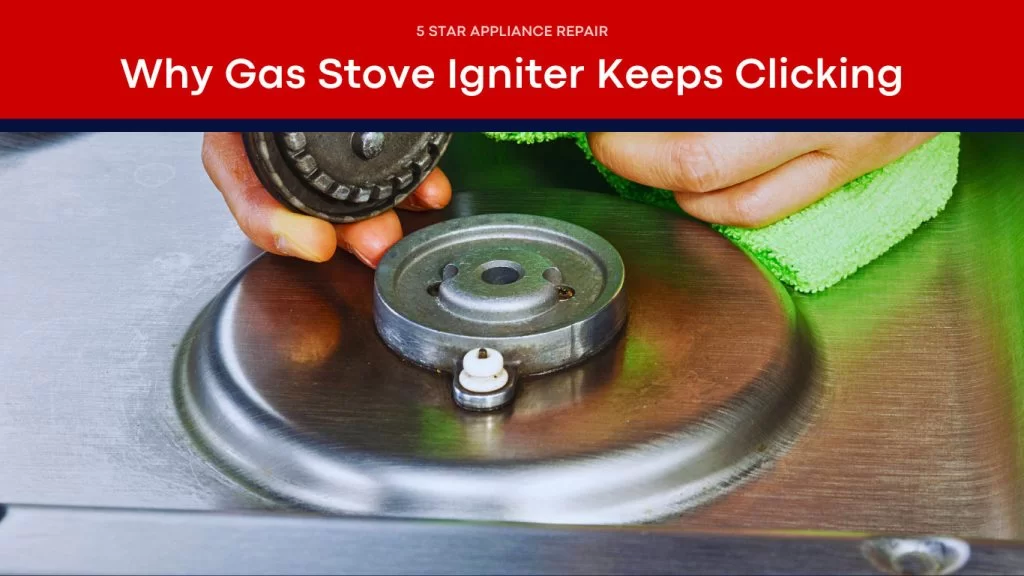
2) Reseat the burner cap and head
A burner cap that is rotated, perched on residue, or sitting crooked can delay ignition and keep the ignition circuit active longer than it should be.
- With the stove off and cool, remove the cap and burner head (if your model has a separate head).
- Wipe the mating surfaces clean so the parts sit flat.
- Reinstall so everything is centered and stable. The cap should not rock.
- Test that burner again.
Quick note: Some sealed-burner cooktops come apart a little differently than open burners. If a piece does not lift off easily, stop and check your manual so you do not force it.
3) Clean clogged burner ports
Grease and tiny food bits love to plug the little gas ports. The igniter sparks, but ignition is delayed or uneven.
What you need: dish soap, warm water, a nylon brush (a toothbrush works), a wooden toothpick, and a dry towel.
- Unplug the range.
- Remove grates, caps, and burner heads (if removable on your model).
- Soak burner heads and caps in warm soapy water for 10 to 15 minutes.
- Scrub gently. Use a toothpick to clear each port. Avoid needles, wire, or metal pins that can enlarge ports.
- Rinse and dry completely. Water left in ports can cause more clicking and rough lighting.
Tip from my own mistakes: Do not reinstall parts “mostly dry.” I did that once and bought myself another hour of clicking and relighting. Dry means dry.
4) Clean the igniter tip and nearby metal (lightly)
The spark jumps from the igniter electrode to metal. If the tip is coated in grease or cleaner residue, the spark can weaken or jump to the wrong spot.
- With power off, wipe around the ceramic igniter base with a barely damp cloth, then dry.
- If the tip is dirty, use a cotton swab with rubbing alcohol, then let it fully evaporate.
- Do not sand aggressively and do not soak the igniter.
5) Make sure the knob is truly past “Lite”
This is more common than people want to admit. On many stoves, the clicking is designed to happen only in the “Lite” position. If the knob is left there (or not fully returning), it will keep sparking.
- To light: turn to “Lite” until the burner ignites, then turn the knob past “Lite” to set your flame.
- To stop clicking: rotate each knob firmly to OFF. Do not just “eyeball” it.
6) If it clicks with knobs OFF: suspect switches or the spark module
If everything is clean, dry, and aligned, but the stove still clicks when nobody is trying to light a burner, the problem often moves behind the scenes.
- Moisture in the switch area: On some ranges, a boilover can seep under the cooktop or down the valve stems and wet the ignition switches. Dry time may be several hours (sometimes overnight).
- Faulty spark switch (at a valve): A stuck or shorted switch can tell the module to spark constantly.
- Failing spark module: The control box that generates the spark can fail and click randomly or continuously.
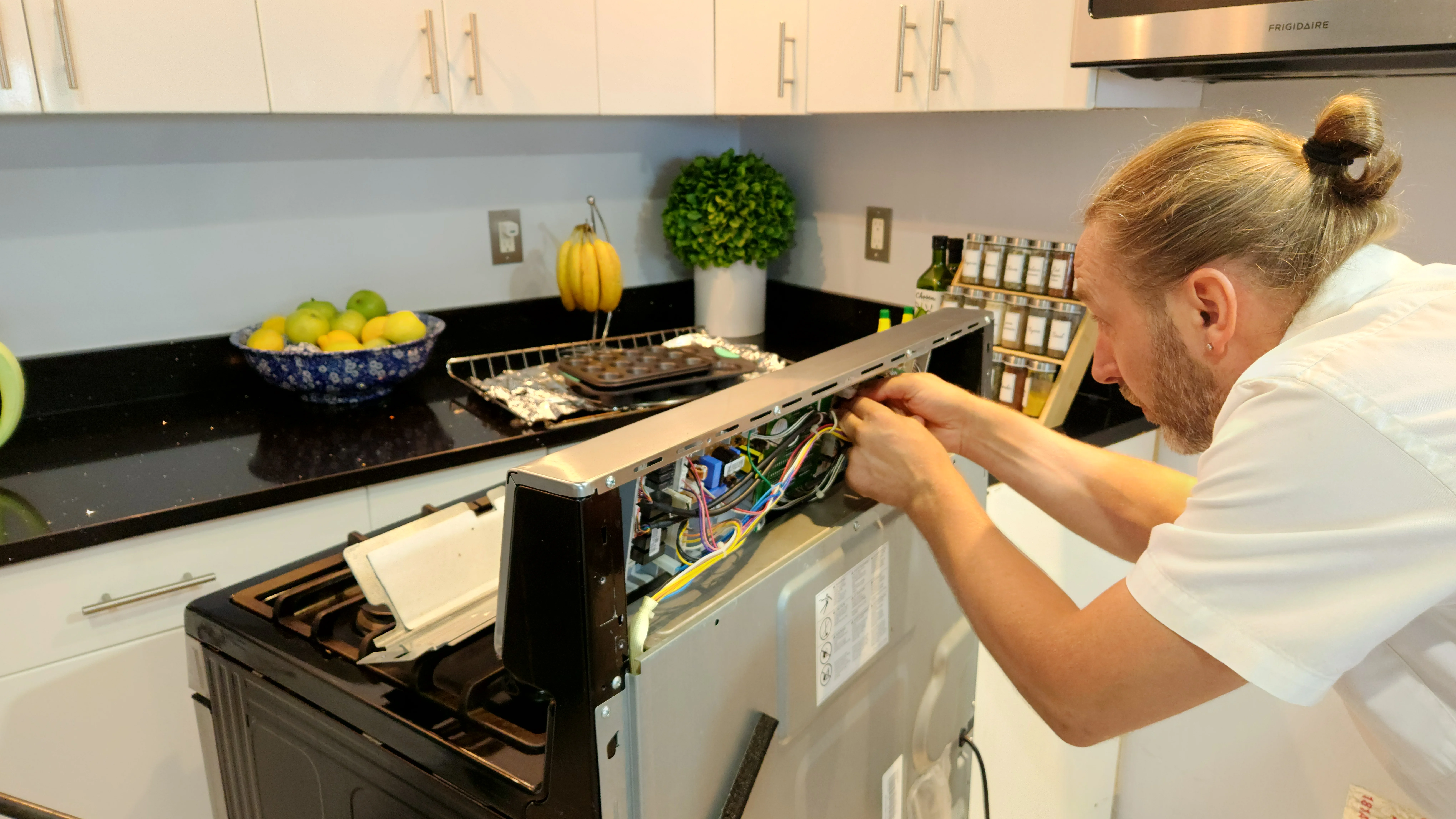
At this stage, you are getting into electrical testing and part replacement. A confident DIYer can do it, but if you are unsure, this is a solid moment to call an appliance tech.
7) Intermittent clicking with no recent spill
If the clicking comes and goes on its own (especially around one knob), it is often a marginal switch, aging switch harness, or moisture/grease buildup under the knob that is making intermittent contact.
- Pop the knob off and clean the back of the knob and the stem area with a barely damp cloth, then dry thoroughly.
- If the problem returns, plan on inspecting or replacing the switch harness for that valve, or have a tech confirm it.
Clicking but the burner will not light
If you hear clicking and smell gas but no flame appears within a couple of seconds, stop and reset.
- Turn the knob to OFF and wait at least 60 seconds for gas to dissipate. Keep the area ventilated.
- Confirm the burner cap is centered.
- Confirm ports are clear and dry.
- Try lighting a different burner. If only one burner fails, the issue is usually local to that burner.
If none of the burners light but you hear clicking, you may have a gas supply issue. Check that the shutoff valve is open. If you are not sure, stop and call a pro.
About matches or lighters: Some people try manual lighting when ignition acts up. Only do that if your manufacturer specifically allows it and you are confident you can do it safely. If you smell gas heavily or the burner is not behaving normally, stop and get help.
Replace parts or call a pro?
You can usually DIY these
- Cleaning burner caps, burner heads, and ports
- Drying moisture around igniters and under burner parts
- Reseating misaligned caps
- Basic knob cleaning and making sure knobs return fully to OFF
Consider a pro (or proceed only if you are comfortable)
- Clicking continues with all knobs OFF after thorough drying
- Any sign of melted wiring, scorching, or repeated tripped breaker
- Testing or replacing a spark module or switch harness
- Any ongoing gas smell or suspected gas leak
If you do replace parts, use your model number to order exact matches. Spark modules and switch harnesses vary a lot by brand and series.
Prevent the clicking from coming back
- After cleaning, dry first, then test. Give igniters and the knob area time to air-dry before restoring power.
- Go easy on spray cleaners. Spray onto a cloth, not directly onto the cooktop, so liquid does not run under parts.
- Handle boilovers fast. Turn the burner off, let it cool, remove parts, then clean and dry thoroughly.
- Keep caps seated. If you remove caps often, make it a habit to check for rocking before you walk away.
Troubleshooting checklist
- All knobs fully OFF (and not stuck near “Lite”)
- No gas smell
- Dry igniter, burner area, and under-knob area
- Cap and head seated flat and centered
- Ports cleared and fully dry
- Igniter tip wiped clean
- If still clicking with knobs OFF: switches or spark module, call a pro or replace with model-matched parts
If you want, tell me what brand you have and when the clicking happens (only on Lite, after cleaning, intermittent, or with knobs off). That one detail usually narrows the fix down fast.

About Marcus Vance
Content Creator @ Grit & Home
Marcus Vance is a lifelong DIY enthusiast and self-taught home renovator who has spent the last decade transforming a dilapidated 1970s ranch into his family's dream home. He specializes in budget-friendly carpentry, room-by-room renovations, and demystifying power tools for beginners. Through his writing, Marcus shares practical tutorials and hard-learned lessons to help homeowners tackle their own projects with confidence.