
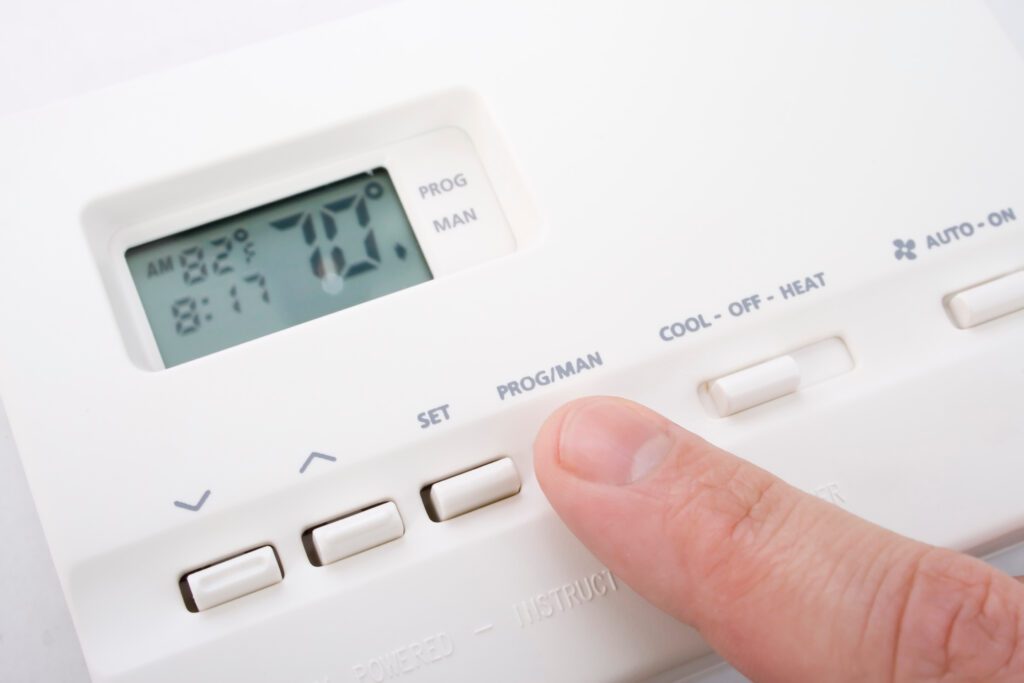
Seeing AUX or Emergency Heat on your thermostat can feel like your system is waving a little white flag. The good news is that AUX is often a normal “helping hand,” especially on cold mornings. Emergency Heat, on the other hand, is usually a manual override that relies on backup heat much more, and it can significantly increase your bill.
This page stays focused on the most urgent scenario: your heat pump seems stuck on AUX or Emergency, and you want to know what to check on the thermostat and settings before you assume something major is broken.
AUX vs Emergency Heat: what it means
Common thermostat labels
- AUX, Aux Heat, Stage 2, or 2nd Stage usually means backup heat is helping.
- Emergency, E-Heat, or Em Heat is usually a manual backup-only mode.
AUX heat (Auxiliary Heat)
AUX means the system is using a backup heat source in addition to the heat pump. In most homes, that backup is electric heat strips inside the air handler. In some setups, it could be a gas or oil furnace paired with a heat pump (dual-fuel).
- Normal: AUX comes on during big temperature swings, very cold outdoor temps, or when the thermostat is trying to catch up quickly.
- Not normal: AUX stays on for hours when the outdoor temperature is mild, or it shows AUX even when you just turned the system on and the house is close to setpoint.
Emergency Heat
Emergency Heat is typically a manual mode that tells the system: “Do not run the outdoor unit. Heat the house using backup heat only.” On many all-electric systems, that means the heat strips do most or all of the work, often for long stretches.
- Normal: You use it temporarily if the outdoor unit is iced up, damaged, or you are waiting on service.
- Not normal: It is on because of a mode mistake, a thermostat setting, or a control issue that is forcing backup heat.
Dual-fuel note: If you have a heat pump with a gas or oil furnace, “AUX” may be the furnace (not electric strips). Emergency Heat may also run the furnace only. The comfort and cost impact can be very different than an all-electric strip system.
My rule of thumb: If you did not intentionally choose Emergency Heat, treat it like a setting problem first, then a wiring or equipment problem second.
When AUX is normal (and when it is a red flag)
Normal AUX situations
- Big setpoint jumps: Raising the thermostat 3 to 5 degrees can trigger AUX on many systems.
- Cold outdoor temps: Heat pumps lose capacity as it gets colder outside. AUX helps cover the gap.
- Defrost cycle: In winter, the outdoor unit periodically defrosts. During that window, AUX may energize so you do not feel a blast of cool air.
Red flags that point to a fixable issue
- AUX runs constantly even when it is around 40 to 55°F outside and the home is near set temperature.
- Indoor air feels lukewarm and the system never seems to catch the setpoint.
- Outdoor unit never runs while the thermostat shows heat is calling.
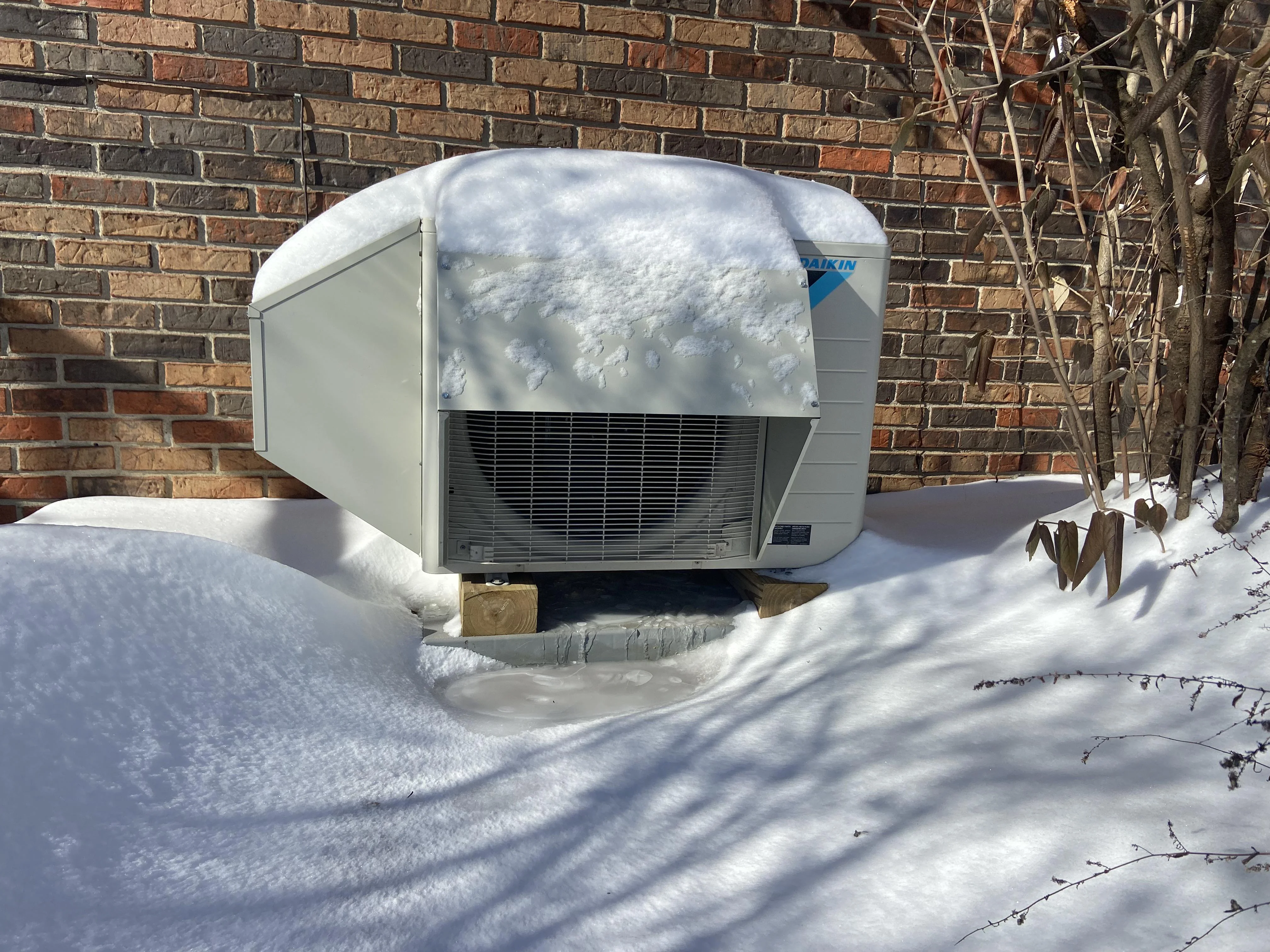
Mode mistakes that keep you on Emergency or AUX
1) You are in Emergency Heat mode by accident
This happens more than people admit, especially after a power outage or when someone is tapping through menus. On many thermostats, Emergency Heat is buried under “Mode” or “Heat” sub-options.
- Set Mode to Heat (not Emergency Heat).
- Wait 5 to 10 minutes and listen. The outdoor unit may kick on after a built-in delay.
2) Fan setting is misleading you
The fan setting does not cause AUX by itself, but it can make you think something is wrong because the air feels cooler when the fan runs continuously.
- Set the fan to Auto while troubleshooting.
- Continuous fan can also keep you feeling drafts during defrost or staging changes.
3) “Hold” schedules and recovery settings
Some smart thermostats will use AUX aggressively to recover from an overnight setback. If you drop the temperature at night then ask for a big jump in the morning, AUX often appears.
- Try smaller changes, like 1 to 2 degrees at a time.
- Look for settings like Adaptive Recovery, Smart Response, or Early Start. Those can bring AUX in earlier than you expect.
Sensor and lockout behavior that looks like AUX
Heat pump systems make decisions based on temperature sensors. Some of those decisions are called lockouts. A lockout can be completely normal, but it can also be triggered by a misconfigured thermostat, a missing outdoor sensor, or a bad sensor.
Outdoor temperature lockout
Some systems are set so that below a certain outdoor temperature, the heat pump is “locked out” and the system uses auxiliary heat instead. The lockout temperature varies a lot by climate and equipment. Older or more basic systems might lock out around 25 to 40°F, while cold-climate or inverter systems may run far below that. Also, not every setup has an outdoor temperature sensor connected to the thermostat, so lockout behavior is not universal.
- If it is cold outside and AUX is on, this may be by design.
- If it is mild outside and AUX is on, your thermostat may think it is colder than it is, or the lockout may be set too high.
Indoor sensor placement or reading issues
If the thermostat is in a hallway that gets hit with a draft, near a sunny window, or above a supply register, it can read wrong and call for more heat than you need. That can pull AUX in unnecessarily.
- Make sure no supply vent is blasting the thermostat.
- If you use remote sensors, temporarily set the thermostat to use only the main thermostat sensor as a test.
Defrost cycle: when AUX is most normal
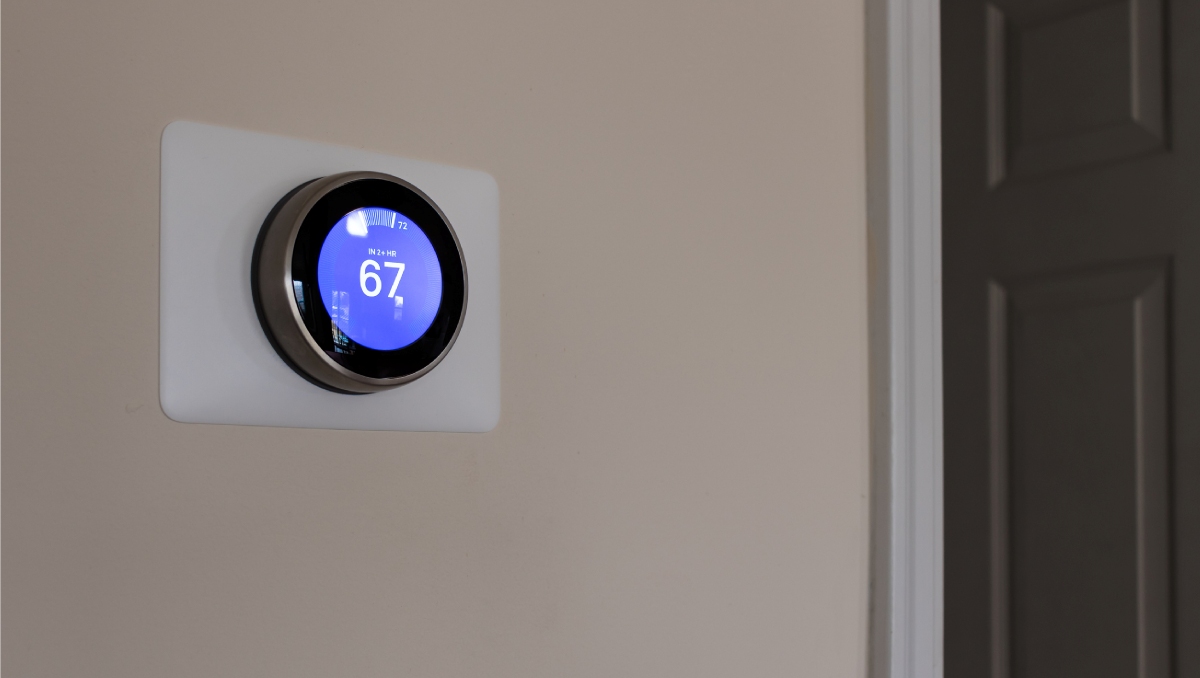
In heating mode, the outdoor coil can ice up. Your system periodically flips into defrost to melt that ice. During defrost, the outdoor unit is effectively running in cooling mode for a short time, and the system may energize AUX so you do not feel cold air inside.
What normal defrost looks like
- AUX appears for a few minutes, then goes away.
- You might hear a whoosh or a change in outdoor unit sound.
- You might see steam coming off the outdoor unit as frost melts. That steam is normal.
What is not normal
- AUX stays on most of the day even in moderate cold.
- The outdoor unit is a solid block of ice for hours.
If you are seeing heavy, persistent ice, that moves beyond thermostat fixes and into airflow, refrigerant, or defrost control problems. That is a good time to call a pro.
Thermostat checks to try next
If what you are seeing looks more like “always AUX” than “normal cold-weather assist,” these checks solve a lot of problems without touching any wiring.
1) Confirm the thermostat is set up for a heat pump
If a thermostat is configured like a conventional furnace, it can energize the wrong terminals and cause weird AUX behavior. This is especially common after a DIY thermostat swap.
- In the installer settings, verify System Type = Heat Pump.
- Verify you selected the correct backup heat type if the thermostat asks (electric strips vs dual-fuel).
2) Check “heat pump balance” or AUX settings on smart thermostats
Many smart thermostats have an efficiency/comfort setting that decides when to bring in AUX.
- If your goal is lower bills, choose a more efficient setting so AUX runs less.
- If your goal is comfort, AUX will run more often to recover faster.
3) Reboot the thermostat (the safe way)
This sounds too simple, but I have fixed more “stuck” modes with a clean reboot than I care to admit.
- Turn the thermostat to Off.
- At your breaker panel, turn Off the breakers for the indoor air handler and outdoor unit (often two separate breakers).
- Wait 2 to 3 minutes, then turn breakers back on.
- Set thermostat back to Heat and wait 10 minutes.
4) Replace batteries if your thermostat uses them
Low batteries can cause odd behavior, dropped Wi-Fi, or stuck displays. If your thermostat has batteries, swap them with fresh ones before you chase deeper issues.
5) Look for a service reminder or filter warning
A clogged filter does not directly force AUX on, but it can reduce airflow enough that the system struggles to heat efficiently. When the heat pump cannot keep up, AUX tends to show up more (and low airflow can sometimes contribute to limit trips or other problems).
- Replace the filter with the correct size.
- If you use high-MERV filters, make sure your system can handle them. Over-filtering can choke airflow.
Thermostat vs equipment: quick checks
If Emergency Heat is on, the outdoor unit is usually off
Step outside and check. If the outdoor unit is not running and the thermostat says Emergency Heat, that may be normal behavior for that mode. Switch back to Heat and see if the outdoor unit comes on after the built-in delay and staging logic.
Know about compressor protection delays
Most systems have a 5-minute delay to protect the compressor. After changing modes or powering back up, the outdoor unit may wait before starting. That delay can make it look like it is “stuck” on AUX when it is really just waiting.
Listen for heat strips versus heat pump
- Heat strips: indoor air can feel very warm quickly, and you may notice lights dim slightly when they energize.
- Heat pump: air often feels warm-ish, not toaster-hot, but it runs longer and more steadily.
When to stop and call for service
I am all for DIY, but I also like people keeping their eyebrows and their breaker panels intact. Stop troubleshooting and call an HVAC tech if you see any of the following:
- You smell burning, hear buzzing or arcing at the air handler, or see any sign of melting or scorch marks.
- Breakers trip repeatedly when the system tries to heat.
- Emergency Heat turns itself on repeatedly after you switch it off.
- AUX runs almost constantly in milder weather and you have already checked thermostat setup and schedules.
- The outdoor unit will not run in Heat mode and you have confirmed breakers are on.
- The thermostat shows error codes or the system is short-cycling.
- Heavy ice buildup persists on the outdoor unit or you suspect a defrost problem.
If you want to be extra helpful when you call, jot down: outdoor temperature, thermostat model, what the display says (AUX or Emergency), and whether the outdoor unit runs at all. That saves time and often saves you money.
Quick decision guide
- If you see Emergency Heat: switch to Heat. Wait up to 10 minutes for delays. If the outdoor unit still does not run and it is not extremely cold (or you do not have a known lockout), check breakers and call for service.
- If you see AUX a lot: lower big setpoint jumps, check recovery settings, confirm thermostat is set to Heat Pump, replace the filter, then watch for a day.
- If the outdoor unit is iced solid: skip the menu diving and call a pro.
AUX and Emergency Heat FAQ
Is it bad to run AUX heat?
Not inherently. It is a normal backup. The main downside is cost, since electric heat strips are typically much less efficient than a heat pump (and on dual-fuel systems, AUX may mean the furnace instead).
Why does AUX come on when I raise the temperature?
Many thermostats interpret a quick setpoint increase as “I need heat faster,” and they bring on auxiliary heat to recover quickly.
Should I ever use Emergency Heat?
Yes, but usually only when the outdoor unit cannot run or should not run. For example: the outdoor unit is damaged, the fan is not spinning, or it is iced up and you are trying to keep the house safe until service arrives.
Will turning on Emergency Heat thaw my outdoor unit?
Emergency Heat typically shuts the outdoor unit off, so it does not actively defrost the outdoor coil. If the unit is iced over, the better move is usually to turn the system off and call for service, unless your manufacturer recommends a specific de-icing procedure.

About Marcus Vance
Content Creator @ Grit & Home
Marcus Vance is a lifelong DIY enthusiast and self-taught home renovator who has spent the last decade transforming a dilapidated 1970s ranch into his family's dream home. He specializes in budget-friendly carpentry, room-by-room renovations, and demystifying power tools for beginners. Through his writing, Marcus shares practical tutorials and hard-learned lessons to help homeowners tackle their own projects with confidence.