
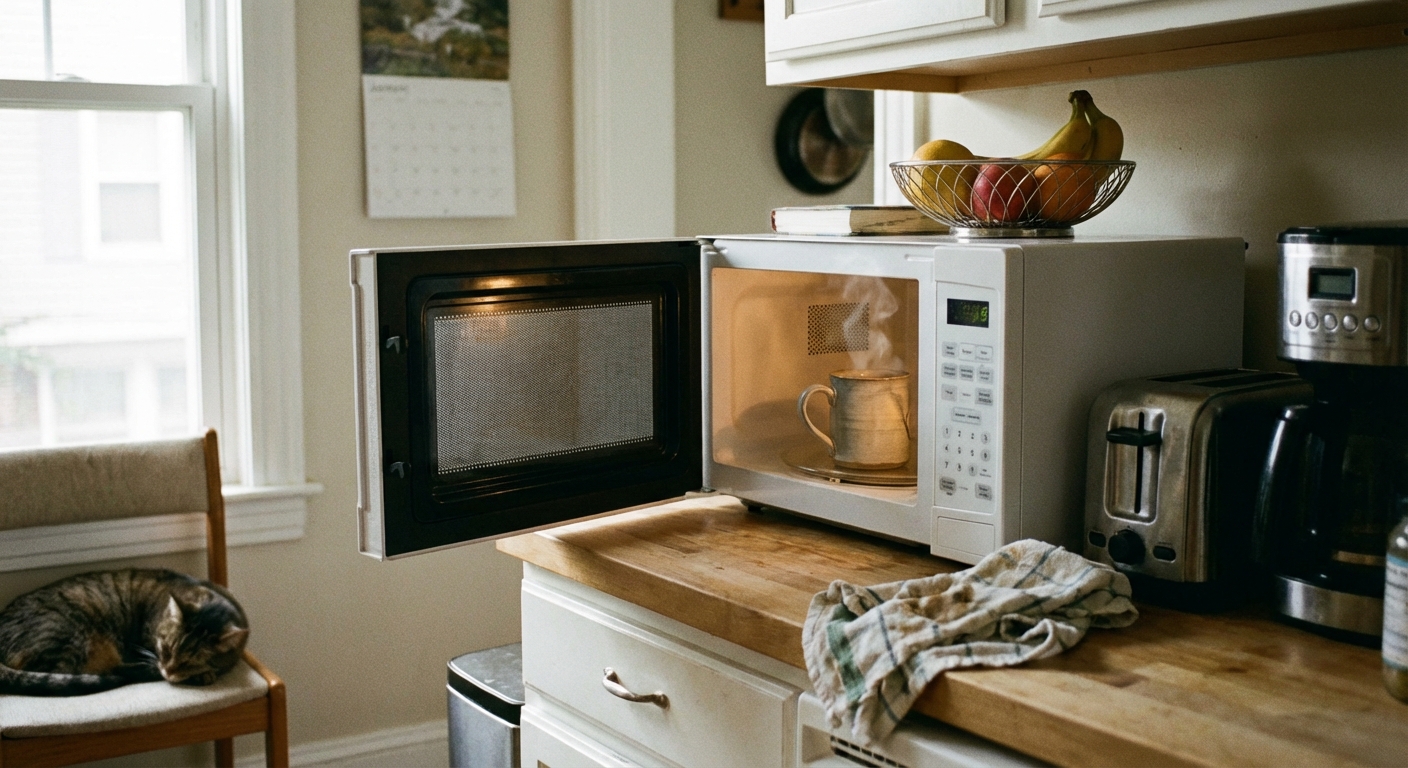
If your microwave turns on, the light comes on, the fan hums, and the turntable spins, it feels like it should be working. But when your coffee is still cold after two minutes, you are dealing with a very specific type of failure: the microwave is running, but the heating circuit is not doing its job.
I grew up learning the “fix it before you replace it” mindset. That said, microwaves are one of the few appliances where safety has to be the first filter. The high-voltage parts inside can store a dangerous charge even when unplugged. In this guide, I’ll show you what you can check safely from the outside, what the most common internal failures are, and how to decide when replacement is the smarter move.
Before you start: safe quick checks
These take five minutes and solve a surprising number of “not heating” complaints.
- Confirm the outlet is solid. Try a kettle or toaster in the same outlet. A loose receptacle, voltage drop, or extension cord issue can let the microwave look “on” while the high-voltage section does not perform under load.
- Check your settings. Make sure it is not set to “Keep Warm,” “Timer,” or a low power level (like 10 to 30 percent).
- Test with a cup of water. Heat 1 cup of room-temp water for 60 seconds. Water is a consistent test load. It should be noticeably hotter after a minute. If it does not warm much at all, or heats weakly, the unit is truly under-heating.
- Listen for a change in sound. Many microwaves have a deeper, louder “working” hum when the magnetron is energizing. If it sounds quieter, lighter, or less loaded than you remember, that is a clue.
- Unplug and power-reset. Unplug for 2 to 5 minutes, then try again. This can clear a control glitch, but it will not fix a failed high-voltage part.
Safety note: If you smell burning, see smoke, or hear arcing or popping, stop using it and unplug it.
Why a microwave runs but won’t heat
Heating happens in a chain. Power flows through safety switches and thermal protection, then into a high-voltage section that feeds the magnetron (or an inverter system on some models). If any part of that chain breaks, you can end up with a microwave that “acts alive” but never warms food.
Here are the most common culprits.
Fix #1: Door switch problem
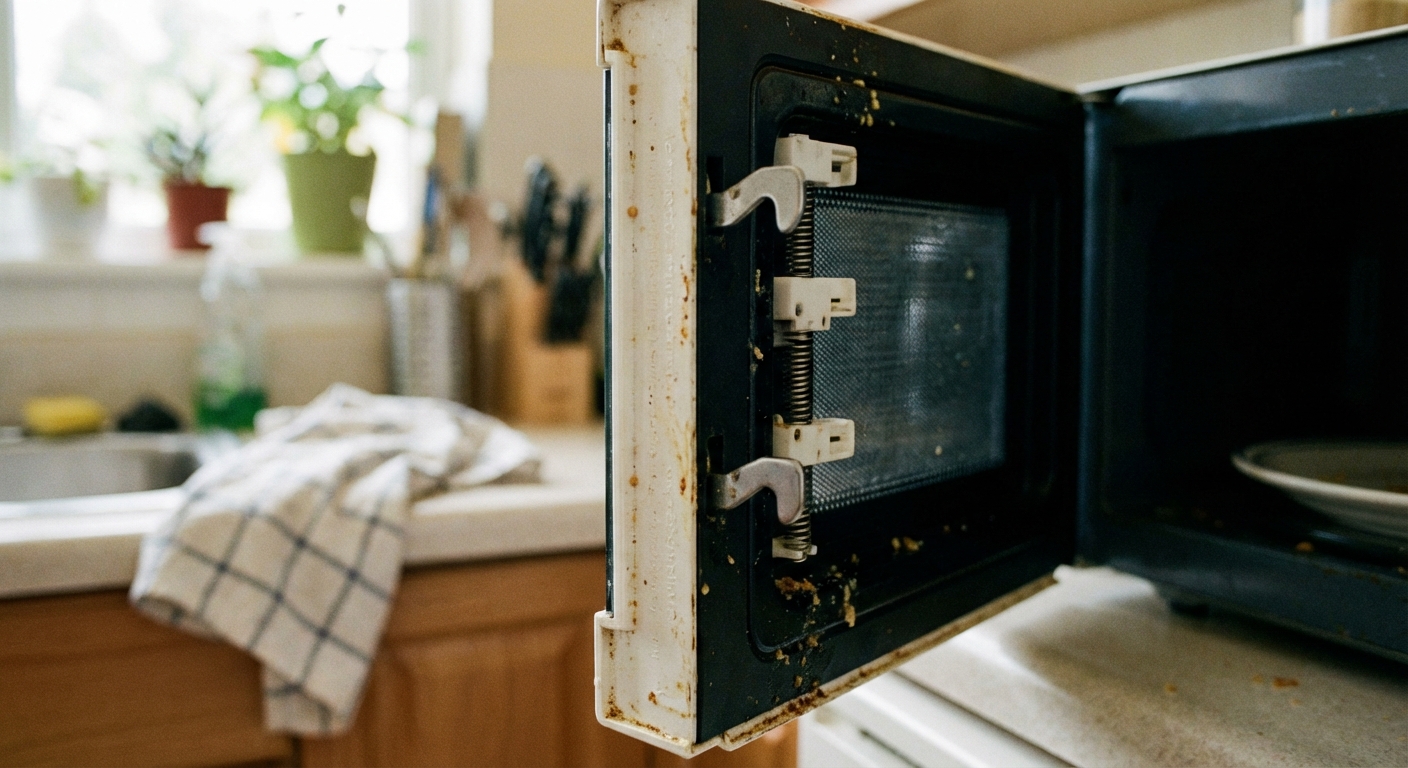
Microwaves use door interlock switches to make sure the unit cannot generate microwaves with the door open. If a switch is worn, misaligned, or stuck, the microwave may behave strangely. On some models it may still run the light and turntable, while heating is disabled for safety.
Clues it might be the door switch
- You have to slam the door or lift it slightly to get it to “work.”
- The microwave starts, then stops when you bump the door.
- It heats sometimes, then randomly does not.
What you can do safely
- Inspect the door latches. Look for cracked plastic hooks or a door that sags.
- Clean the latch area. Grease buildup can keep the latch from fully engaging.
- Check alignment. If the door looks crooked, a hinge issue can prevent full switch engagement.
Repair reality: Interlock switches are usually inexpensive in parts, but replacement requires opening the cabinet. If you are not experienced with appliance repair, this is a good “hand it to a pro” job.
Fix #2: Thermal cutout tripped
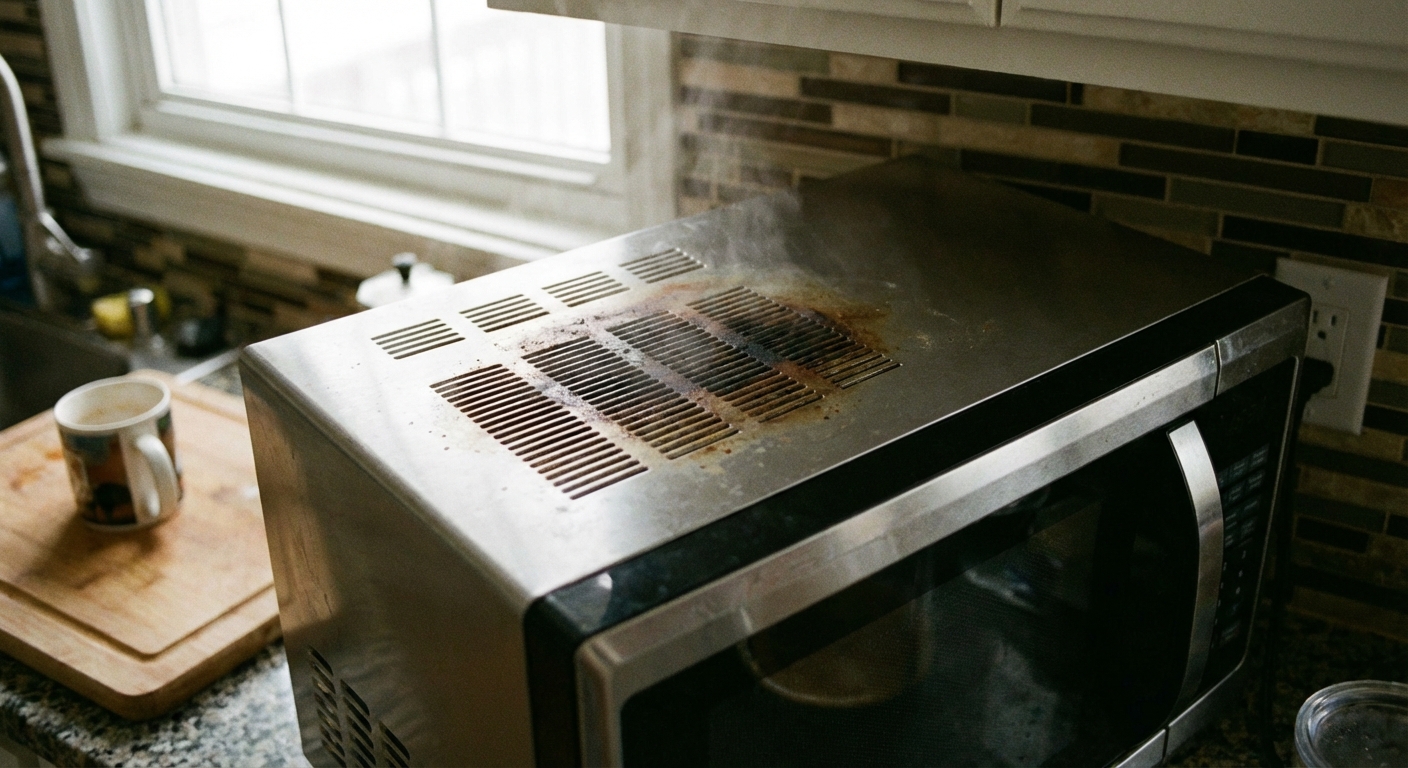
Microwaves have thermal protection devices that shut things down if they overheat. Depending on design, a thermal fuse or thermostat can kill the entire unit. Some models also have a magnetron thermal cutout that can stop heating while other functions still appear to work.
Clues it might be a thermal issue
- The microwave stopped heating after a long cook time or after running empty.
- It works again after cooling, then fails again.
- Top vents were blocked, or the unit is installed in a tight cabinet with poor airflow.
What you can do safely
- Improve ventilation. Pull it away from the wall a bit and make sure vents are not clogged with dust and grease.
- Let it cool. If it overheated, give it 30 to 60 minutes unplugged, then re-test with water.
Repair reality: Thermal fuses and thermostats are often cheap parts. The catch is access. If your microwave is an over-the-range model, removal and reinstall can be most of the labor cost.
Fix #3: High-voltage diode failure
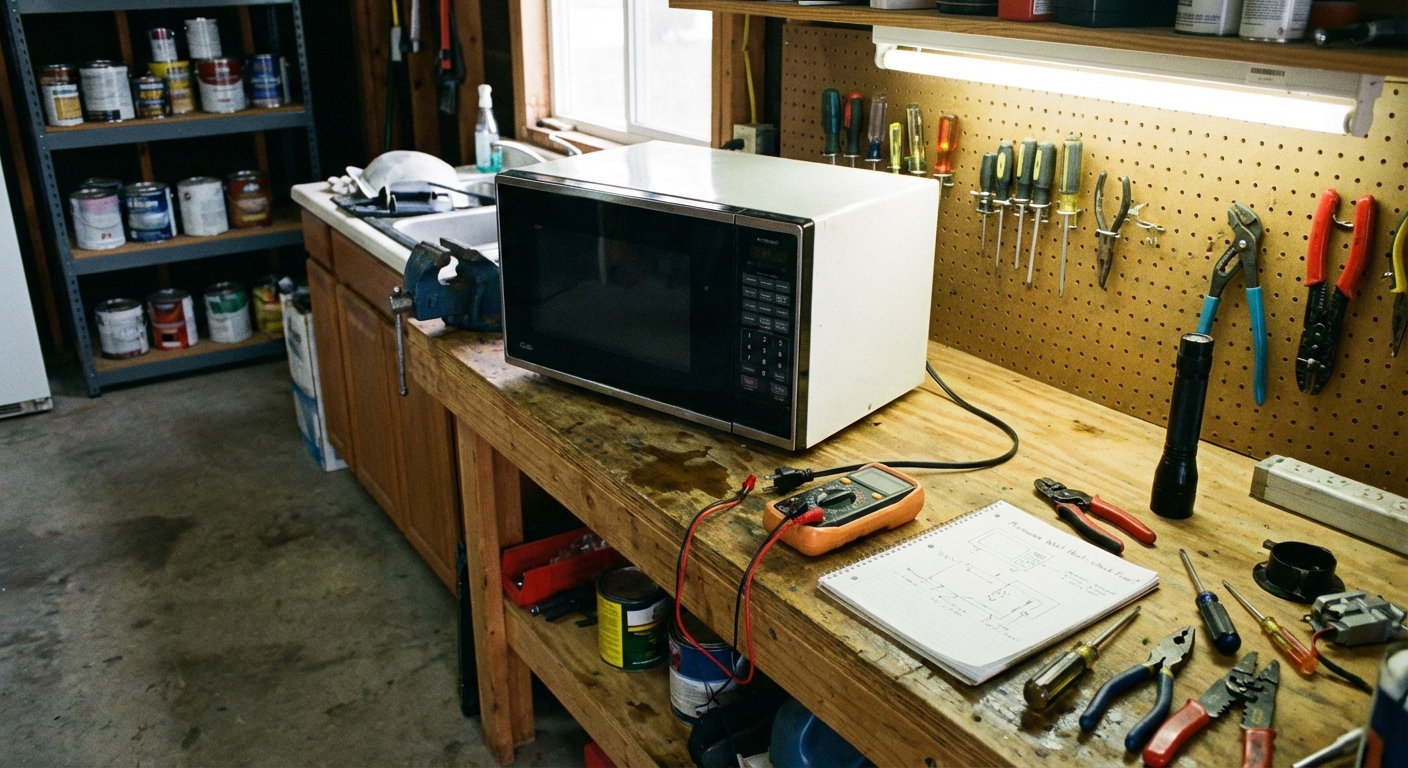
The high-voltage diode helps convert power in the high-voltage section so the magnetron can generate microwaves. If the diode fails, the microwave can run but not heat, or it may heat weakly.
Clues it might be the diode
- No heat at all, but everything else appears normal.
- Buzzing or a hot electrical smell can happen in some failures.
Important safety line: Diagnosing or replacing a high-voltage diode involves opening the cabinet near components that can store a dangerous charge after unplugging. If you are not trained to make it safe, this is not a beginner DIY repair.
Repair reality: Parts are usually affordable. Labor can be reasonable on a countertop model and more expensive on built-in or over-the-range units.
Fix #4: Capacitor issue
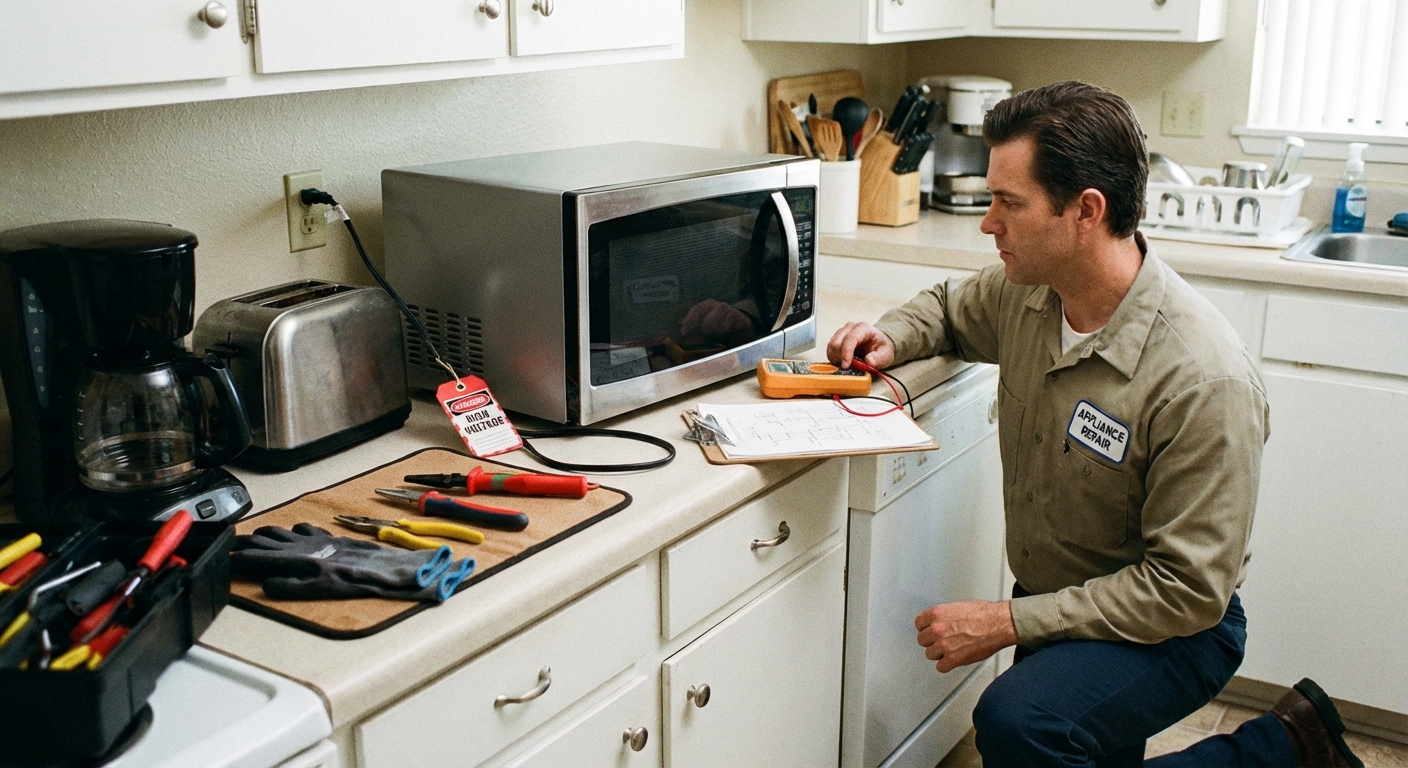
The capacitor works with the diode and transformer (or inverter, depending on model) to feed the magnetron. A failed capacitor can stop heating completely. In some cases it can also cause humming, blown fuses, or intermittent behavior.
Clues it might be the capacitor
- Microwave runs but never heats.
- Unusual humming or a change in the normal operating sound.
- It may trip a breaker or blow an internal fuse on start (in some failures).
Safety note: This is a technician-level diagnosis in most homes. The parts around the heating system can be hazardous even when the microwave is unplugged.
Repair reality: If your microwave is older or a budget model, the repair cost often lands uncomfortably close to replacement.
Fix #5: Magnetron failure
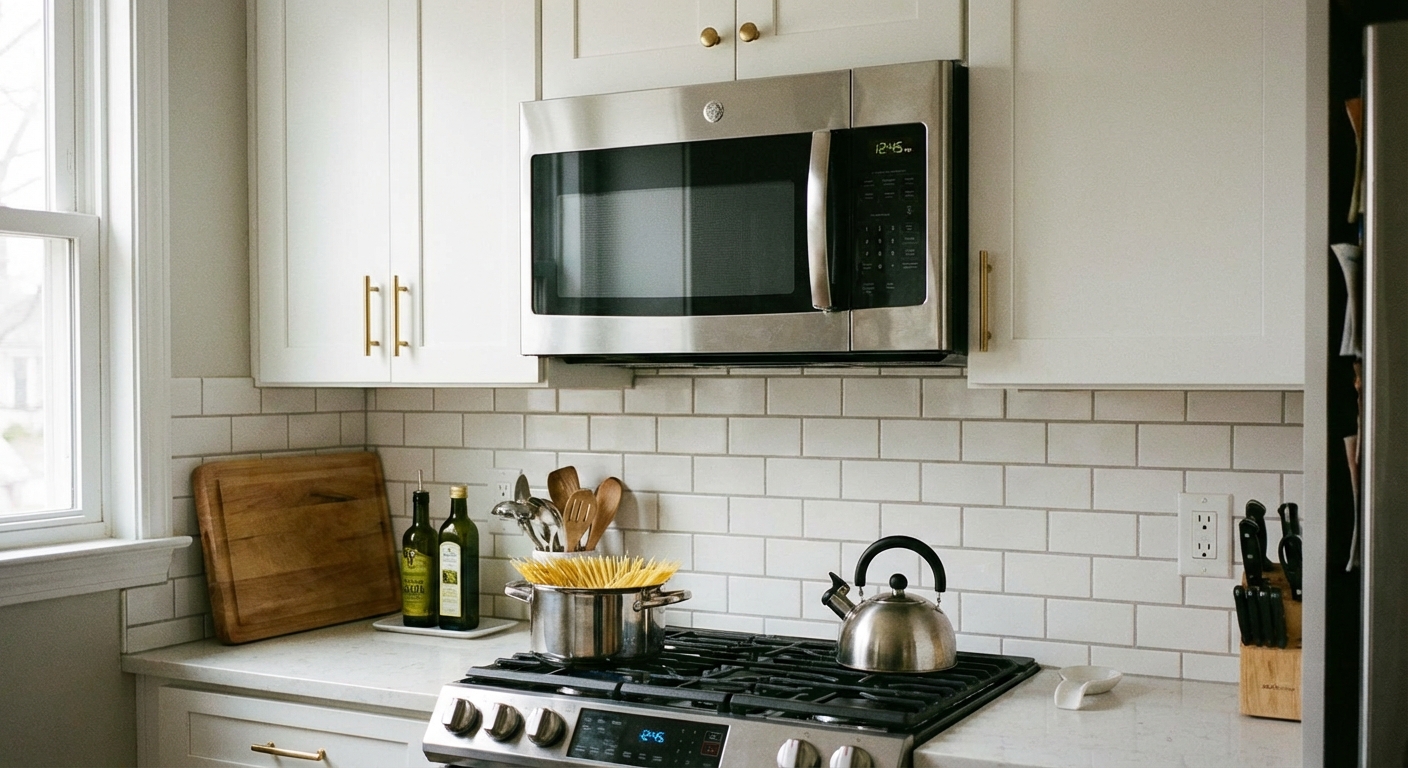
The magnetron is the heart of the heating system. It converts electrical energy into microwave energy. When it fails, you commonly get the classic symptom: everything works, nothing heats.
Clues it might be the magnetron
- No heat, and you have already ruled out simple door and power issues.
- Sometimes a louder-than-normal hum or a harsher buzzing sound.
- In some cases, it heats briefly, then stops.
Repair reality: Magnetrons are one of the pricier parts, and labor adds up. Some brands cover the magnetron under a longer warranty than the rest of the unit, so it is worth checking your model number and paperwork before you do anything else.
Two more common causes
If the five fixes above did not click, these two come up often in real-world service calls.
High-voltage fuse
Some microwaves have an internal high-voltage fuse that can open while the rest of the unit still appears to run. From the outside, it looks like “runs but no heat.” This is not an external DIY check, but it is worth mentioning to a technician.
Inverter board or waveguide issues
- Inverter models: Some newer microwaves use an inverter instead of a traditional transformer. An inverter failure can mimic a bad magnetron and produce the same no-heat symptom.
- Mica or waveguide cover damage: If you see burn marks, flaking, or repeated arcing inside the cavity (often on the side wall), a damaged waveguide cover can cause poor heating and burning smells. Stop using it and address that first.
Repair or replace
Here’s my thrifty, real-world rule: if the fix is clearly external or warranty-covered, pursue repair. If it is an internal high-voltage part and the microwave is older, replacement is often the safer and more cost-effective choice.
Repair makes sense when
- The unit is under warranty, especially magnetron coverage.
- It is a simple door alignment or latch issue.
- You have a higher-end built-in unit where replacement cost is significant.
Replacement makes sense when
- It is a budget countertop model and a shop quote is close to the price of new.
- You suspect a capacitor, diode, magnetron, HV fuse, or inverter problem and you do not have high-voltage repair experience.
- The unit shows other age issues like a noisy fan, failing keypad, rust inside the cavity, or recurring overheating.
What to tell a repair tech
If you decide to call for service, you can save time by collecting a few details first.
- Model number (usually inside the door frame or on the back).
- Type: countertop, over-the-range, built-in.
- Exact symptom: runs but no heat, heats intermittently, stops after 30 seconds, odd buzzing, burning smell.
- What you already tried: reset, water test, outlet test, door inspection, improved ventilation.
If you only remember one thing from this page, let it be this: a microwave that does not heat is often a high-voltage or inverter-related issue. Treat it with respect, and do not open the cabinet unless you truly know how to make it safe.
Quick FAQ
Why does my microwave sound normal but not heat?
Because the light, fan, and turntable can still run even when the high-voltage heating circuit is not operating. A door switch issue, thermal cutout, diode, capacitor, high-voltage fuse, inverter board, or magnetron can fail while the rest still seems fine.
Is it safe to keep using a microwave that runs but does not heat?
If it is not heating, stop using it until you identify the cause. Some failures are benign, but others can involve overheating components or electrical arcing that can worsen over time.
Could it be the control board?
It can happen, especially on inverter models, but the items above are more common causes for “runs but no heat.” If the microwave behaves erratically, loses display segments, or buttons misfire, a control issue moves higher on the suspect list.

About Marcus Vance
Content Creator @ Grit & Home
Marcus Vance is a lifelong DIY enthusiast and self-taught home renovator who has spent the last decade transforming a dilapidated 1970s ranch into his family's dream home. He specializes in budget-friendly carpentry, room-by-room renovations, and demystifying power tools for beginners. Through his writing, Marcus shares practical tutorials and hard-learned lessons to help homeowners tackle their own projects with confidence.