
When an outlet or switch feels warm, your brain goes straight to worst-case scenarios. I get it. The first time I noticed a warm dimmer in our old 1970s ranch, I stood there thinking, Is this normal, or am I about to meet the fire department?
Here's the deal: some warmth can be normal when a device is under load, especially dimmers, USB outlets, and anything feeding a space heater or hair tool. But heat can also be a symptom of a loose connection, and loose connections are a common way electrical issues turn into melted devices and scorched boxes.
This page will help you quickly sort “probably normal” from “stop right now,” and it will walk you through safe checks you can do without guessing or getting in over your head.
First: stop and do not use
If any item below is true, treat it as a safety issue. Don't keep testing it. Don't keep using it.
- Hot to the touch (you can't comfortably keep your fingers on the cover plate for more than a couple seconds).
- Smell of burning plastic, fishy odor, or any visible smoke.
- Discoloration on the cover plate, device face, or wall paint around it.
- Crackling, buzzing, or sizzling sounds.
- Sparking when plugging in or switching.
- Loose device that wiggles in the wall box.
- Flickering lights or power cutting in and out on that circuit.
- Breaker tripping repeatedly or a GFCI that won't reset.
- Warmth with no load (nothing plugged in, switch off, and it's still warming up).
What to do if you hit the checklist
- Unplug anything connected to that outlet.
- Turn off the breaker controlling that outlet or switch.
- If you're not 100 percent sure which breaker it is, turn off the main breaker.
- Call a licensed electrician, especially if there's any burning smell, smoke, or visible damage.
If you've already seen melting or scorching, skip the rest and get help. That's not a “wait and see” situation.
Warm vs hot: what’s normal?
Electricity flowing through a connection creates a little heat. That can be normal. The goal is to figure out whether the heat matches the situation.
Usually normal (mild warmth)
- Slightly warm outlet face after running a higher-draw device for a while, like a vacuum, hair dryer, or toaster.
- Dimmers that feel warm while dimming. Many dimmers run warm by design, especially if you're near their watt rating. In multi-gang boxes, they may also need to be de-rated, which can make warmth more noticeable.
- USB outlets that feel warm while charging multiple devices.
Not normal (concerning heat)
- It's hot, not just warm.
- The heat shows up with light loads, like a phone charger.
- Heat is isolated to one receptacle or one switch in a multi-gang box.
- Heat comes with loose plugs, flicker, noise, or odor.
If you want a simple homeowner rule: mild warmth under a known heavy load can be acceptable. If it's uncomfortable to keep your hand on it, treat it as “hot” and stop.
Safe checks in 10 minutes
These checks don't require opening the box. They’re about removing variables and spotting obvious red flags.
1) Identify what was running
Ask yourself what was plugged in or controlled by that switch in the last hour. Heat is often tied to a specific load.
- Space heaters, air fryers, microwaves, hair tools, vacuums, and window AC units are common culprits.
- Portable heaters should generally be plugged directly into a wall outlet, not a power strip, adapter, or extension cord.
2) Unplug and let it cool
Unplug the device you were using and let the outlet or switch sit for 15 to 30 minutes. If you know what else is on that same circuit, unplug those items too.
- If it cools down and stays cool with nothing plugged in, that points toward a load-related issue or a poor connection under load.
- If it stays warm with no load, that's a red flag. Turn off the breaker and call a pro.
3) Try a different known-good outlet
If a hair dryer makes one outlet warm but not another, that suggests the outlet or its connections may be the issue, not the appliance.
4) Check the plug fit
Loose-fitting plugs create resistance, and resistance creates heat. This is different from a loose wire in the box, but both can cause warming.
- If the plug slides in too easily or droops, the outlet may be worn out.
- If the plug blades look darkened or pitted, stop using that cord or appliance until it’s evaluated.
5) Use your senses, carefully
- Smell around the device and cover plate. Burning plastic smell is serious.
- Listen for buzzing or crackling.
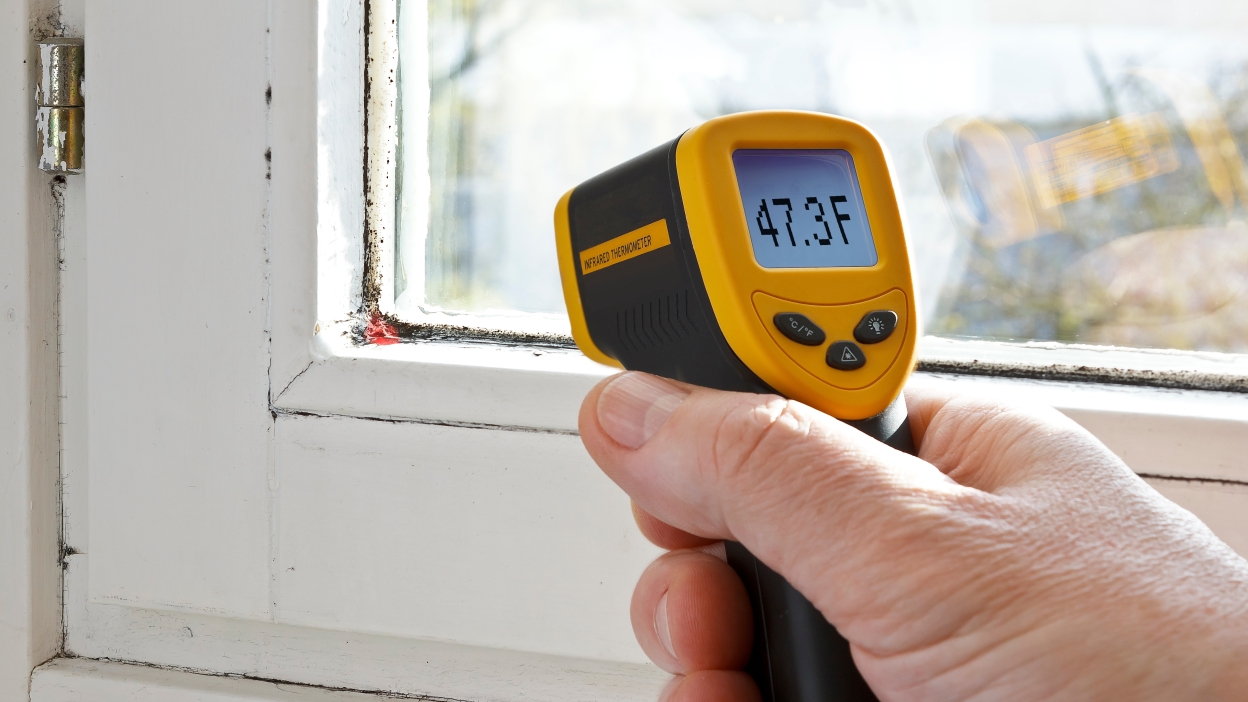
- If you have one, an infrared thermometer can help you compare temperatures between nearby outlets. You're looking for an outlier. If it lines up with the finger test (too uncomfortable to touch), treat it as “hot.”
Common causes of warmth
Most “mystery warmth” comes from one of these scenarios. Some are DIY-friendly to understand, even if you hire out the fix.
Loose terminal screws (high priority suspect)
A loose connection acts like a bottleneck. Current tries to squeeze through, the connection heats up, and that heat can build until something fails.
- Loose terminals can happen on outlets, switches, and especially on devices that have been replaced once or twice.
- Heat often shows up under heavier loads and may come with flicker.
Backstab connections (common in builder-grade installs)
Many standard outlets have push-in “backstab” holes on the back. They're fast for installers, but they can loosen over time, particularly on circuits that see heavier use. They also still exist on some devices today.
- A backstab connection that loosens can create heat without immediately tripping a breaker.
- Side screws or clamp-style terminals are typically more robust.
In my own house, I found multiple outlets where the backstab connection was barely holding on. Re-terminating on the side screws or using the device’s clamp-style terminals can be a big reliability upgrade.
Downstream load (the outlet may feed others)
Sometimes the warm outlet isn't just powering what’s plugged into it. It may also be carrying power through to other outlets downstream. That means a “quiet” receptacle can still be working hard behind the scenes.
Overloaded device or circuit
Some loads are simply too much for the circuit, the device, or the wiring method involved.
- Space heaters can draw about 12 to 13 amps on a 1500W setting. Add anything else on that circuit and you're flirting with nuisance trips or heat.
- Multiple high-draw kitchen appliances running on the same small-appliance circuit can also warm devices.
Oversized bulbs and hot dimmers
Older dimmers are rated for a specific wattage, and some LED bulbs aren't compatible with all dimmers.
- If the dimmer is rated for 600W incandescent, that doesn't mean 600W of LEDs in all cases. Many dimmers have separate LED ratings.
- In multi-gang boxes, dimmers often have to be de-rated, which reduces how much load they can safely handle.
- Bulbs with higher wattage than the fixture allows can overheat the fixture and the switch controlling it.
Bad device (worn contacts)
Outlets wear out. The internal spring tension that grips plug blades weakens. Worn contacts increase resistance and heat.
Aluminum wiring (special caution)
If your house was built or wired in the late 1960s to mid 1970s, there's a chance you have aluminum branch-circuit wiring. Aluminum requires specific devices and connection methods because it expands and contracts differently than copper and is more prone to oxidation at connections.
- If you suspect aluminum wiring and you're seeing warmth, don't treat it like a casual DIY project.
- Look in the panel label or have an electrician confirm at an outlet box. Don't scrape or “clean up” wires yourself.
Multi-wire branch circuits (advanced)
Some circuits share a neutral between two hot legs. A properly installed multi-wire branch circuit can be safe and code-compliant. Problems show up when something is miswired or a neutral connection becomes loose, which can cause odd behavior and heating. If you suspect this, it’s electrician territory unless you're experienced.
GFCI and AFCI basics
People often assume a safety device will always trip before anything gets warm. In the real world, that's not guaranteed.
GFCI
A GFCI (Ground Fault Circuit Interrupter) is designed to protect people from shock by detecting current leaking to ground. It's not primarily an overload detector.
- A warm outlet can still happen on a GFCI-protected circuit, especially from a loose connection or heavy load.
- Because a GFCI receptacle contains electronics and may be feeding downstream outlets, any unusual warmth (especially with light loads) warrants attention.
AFCI
An AFCI (Arc Fault Circuit Interrupter) is designed to detect arcing conditions that can start fires. It helps, but it can't catch every scenario.
- Loose connections can create heat without producing a signature the breaker recognizes as an arc fault.
- If an AFCI breaker is tripping and you also have warmth at a device, stop using that circuit and get it checked.
If you open the cover
Only do this if you're confident, steady-handed, and willing to stop if anything looks wrong. If you have any doubt, skip this section and call an electrician.
Safety steps
- Turn off the breaker for that circuit.
- Confirm power is off with a plug-in outlet tester or a non-contact voltage tester (and test your tester on a known live outlet first).
- Remove the cover plate and look, but do not touch bare conductors.
What you're looking for
- Scorch marks, melted insulation, or browning on the device body.
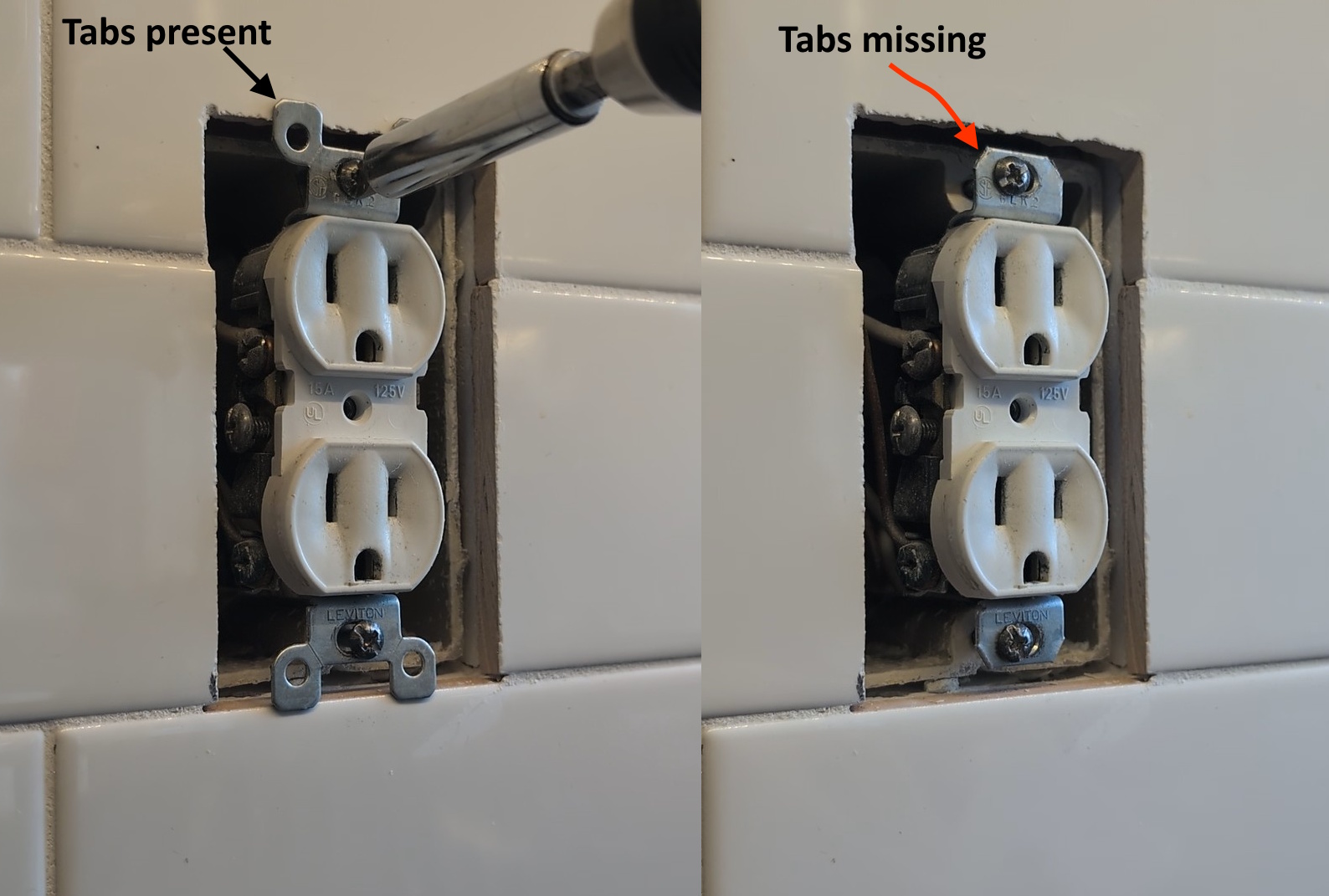
- Loose mounting where the device isn't tight to the box and can move.
- Backstabbed wires (wires pushed into holes on the back). This isn't automatically wrong, but it's a common weak point.
- Aluminum wiring (silvery conductor). If you see it, stop and bring in a pro unless you're trained for aluminum terminations.
If you see melting, charring, or brittle insulation, leave the breaker off and call an electrician. That damage can extend beyond what you see at the device.
Common pro fixes
It helps to know what “normal” professional solutions look like so you can have an informed conversation.
- Re-terminating connections on side screws or clamp terminals and torquing to manufacturer specs.
- Replacing the device with a higher-quality receptacle or switch, often spec-grade.
- Pigtailing connections so the device isn't used as a pass-through for downstream loads.
- Replacing a dimmer with the correct LED-rated model and verifying bulb compatibility (including de-rating in multi-gang boxes).
- Correcting box fill or replacing an overcrowded box that's stressing wires and terminals.
- Aluminum wiring remediation using approved connectors and methods (this is specialized work).
Prevention
- Avoid continuous heavy loads on general-purpose outlets. If you regularly run a heater in one spot, consider a dedicated circuit.
- Replace worn outlets that don't grip plugs firmly.
- Use the right dimmer for your bulbs and stay under the rated load (and remember de-rating in multi-gang boxes).
- Don't stack adapters and avoid cheap power strips for high-draw devices.
- When replacing devices, choose quality parts and use proper terminations, not backstabs if you can avoid them.
My thrifty side hates replacing things early, but outlets are one place where a $3 to $8 part can prevent a very expensive problem.
When to call an electrician
Call a licensed electrician if any of the following apply:
- The device is hot or shows any melting, scorching, or odor.
- The breaker trips repeatedly or the GFCI won't reset.
- You suspect aluminum wiring.
- You have multiple warm devices on the same circuit or in the same box.
- You're not confident identifying the circuit and testing safely.
If you tell them, “The outlet gets warm under load,” they may ask what was plugged in, how long it ran, whether the plug feels loose, and whether there's any discoloration. Those details help them diagnose quickly.

About Marcus Vance
Content Creator @ Grit & Home
Marcus Vance is a lifelong DIY enthusiast and self-taught home renovator who has spent the last decade transforming a dilapidated 1970s ranch into his family's dream home. He specializes in budget-friendly carpentry, room-by-room renovations, and demystifying power tools for beginners. Through his writing, Marcus shares practical tutorials and hard-learned lessons to help homeowners tackle their own projects with confidence.