
🚨 In a DIY emergency or rush?
Skip the details and jump straight to our 30-second cheat sheet for the most crucial info.
I grew up holding the flashlight for my dad under the sink, so my default setting is still “let’s figure out what it’s trying to tell us” before we replace anything. Microwaves are a little different than a leaky P-trap though. When a microwave runs for a few seconds and shuts off, you can do some smart troubleshooting as a homeowner, but there are also a couple hard lines you should not cross because of the high-voltage parts inside.
This guide is for the specific problem where the microwave starts normally, then stops mid-cycle after a few seconds or a minute. We are not talking about a microwave that runs the full time but leaves food cold.
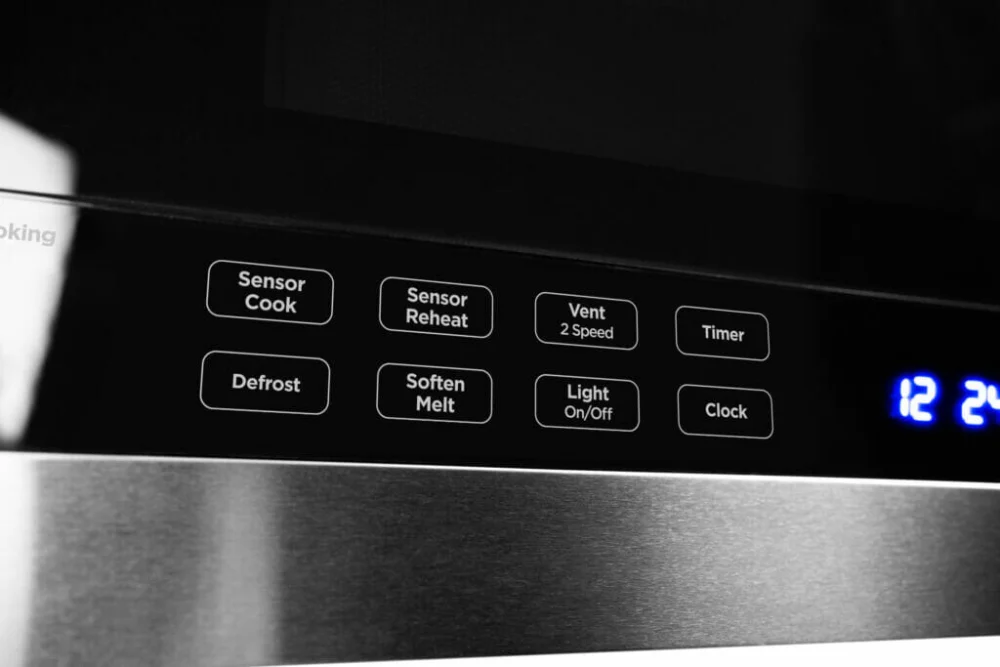
Safety first
Before you troubleshoot:
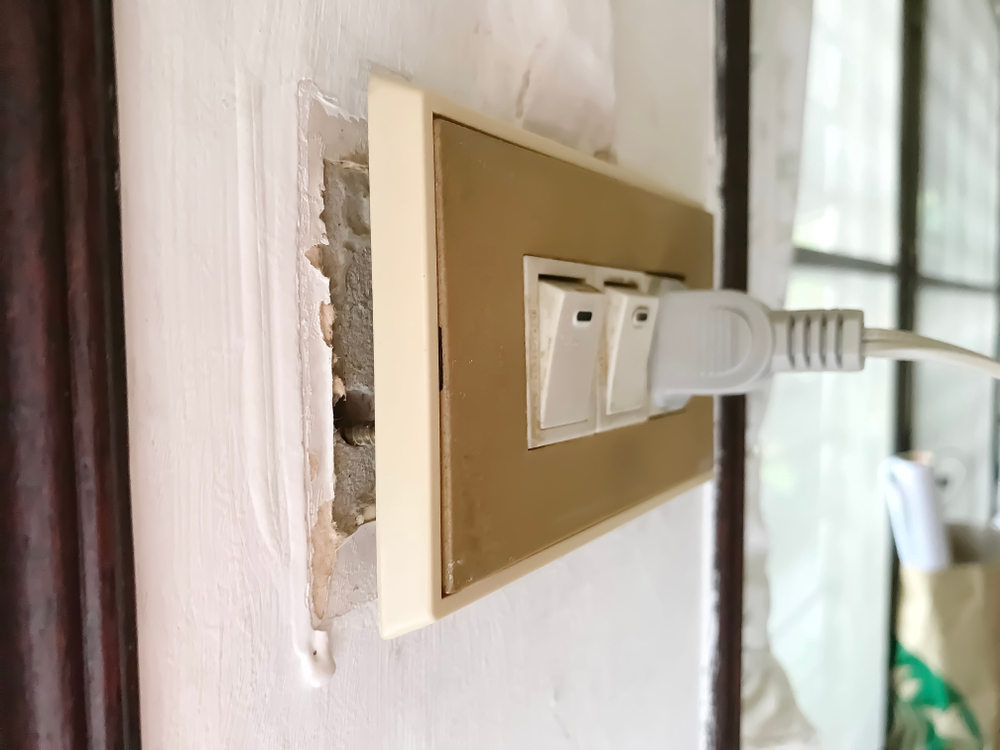
- Unplug the microwave if you can safely reach the plug. On most over-the-range microwaves, the cord plugs into an outlet in the cabinet above the unit. If you cannot safely reach the plug, switching off the breaker is a last resort.
- Do not remove the outer cover unless you truly know what you are doing. Microwaves contain a high-voltage capacitor that can store a dangerous charge even when unplugged.
- If you smell burning plastic, see smoke, or hear loud arcing (snapping), stop using it and skip down to the “When to call a pro” section.
Quick diagnosis
The exact behavior matters. Here are the most common patterns and what they usually point to:
- It goes completely dead (display off like it lost power): loose plug/outlet issue, a tripped GFCI, or an internal thermal cutout opening up when it warms. Depending on the model, an overheat event might look dead or might leave the display on.
- Display stays on but cooking stops (cycle cancels, returns to clock, or just stops responding): a door switch/interlock problem or the control board aborting the cycle.
- It stops and then works again after cooling down: overheating from blocked vents, a failing cooling fan, or grease and dust restricting airflow.
- It stops when you bump the door or it feels like you have to slam the door: worn latch, misaligned door, or failing door switches.
Step 1: Rule out power problems
I know, it sounds too basic. But “runs for 3 seconds then dies” can be a power drop the microwave cannot tolerate.
Check the outlet and plug fit
- Unplug the microwave and plug something high draw into the same outlet briefly, like a hair dryer on high. Keep it short, and make sure other big loads on that circuit are off. If the outlet feels loose or the test device cuts out, the outlet may be worn.
- Inspect the microwave plug blades. If they are darkened or pitted, that is a sign of heat and poor contact.
- Avoid extension cords. Microwaves need a solid connection.
Check for GFCI or AFCI trips
- Many kitchen receptacles are GFCI protected. If the microwave went dead, look for a tripped GFCI outlet in the kitchen (or sometimes another nearby area) and press Reset.
- If you have an AFCI breaker and it is tripping, treat it as a real problem. A marginal or aging breaker can nuisance-trip, but repeated trips are a good reason to call an electrician.
If it is an over-the-range microwave
- Verify the plug is fully seated in the cabinet outlet above the microwave.
- Check the breaker if it appears dead. Some shutdowns do not trip the breaker, but if yours does, an electrician can help sort out whether it is a circuit load issue or a breaker that is starting to misbehave.
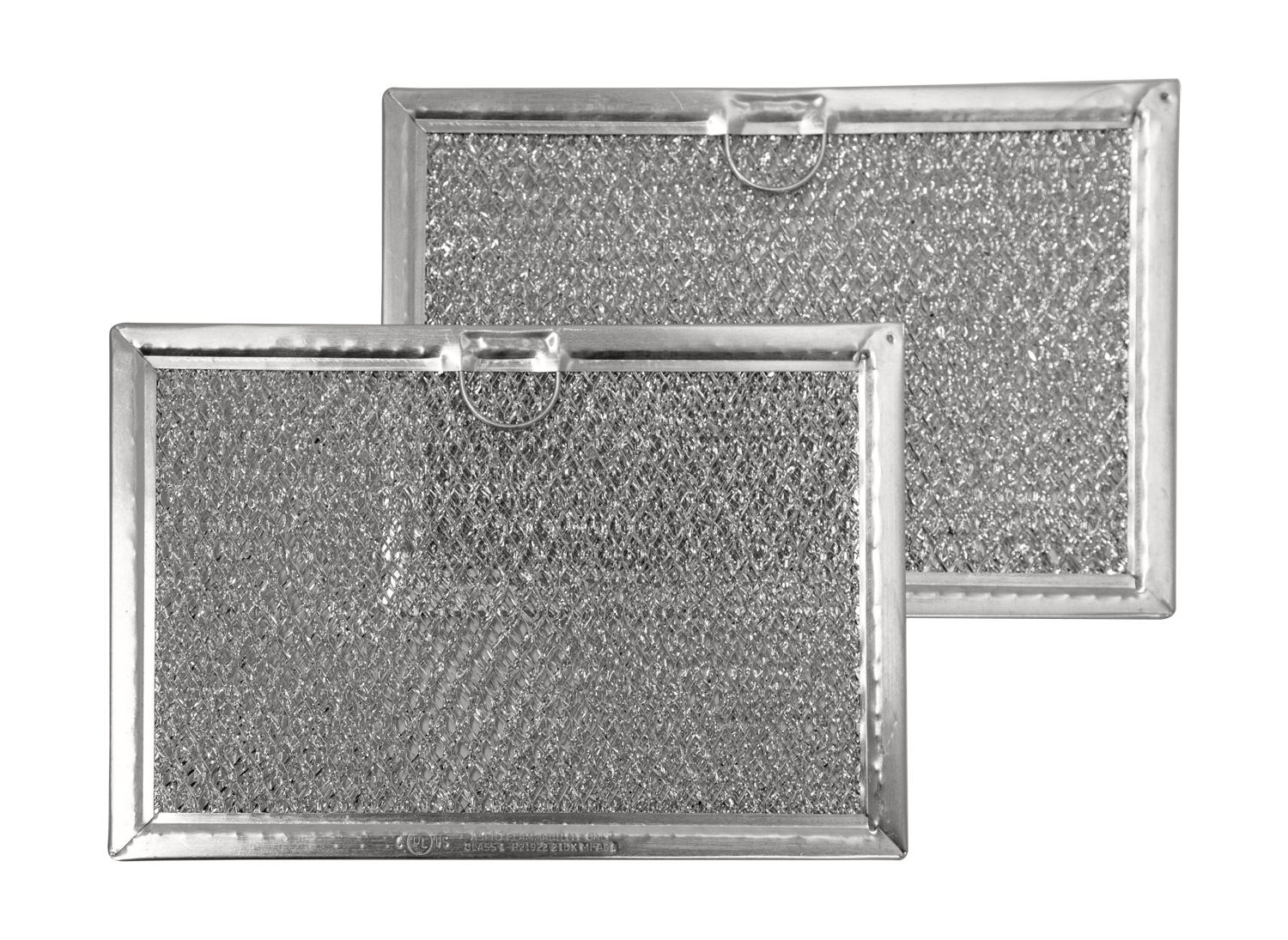
Step 2: Clean vents and confirm airflow
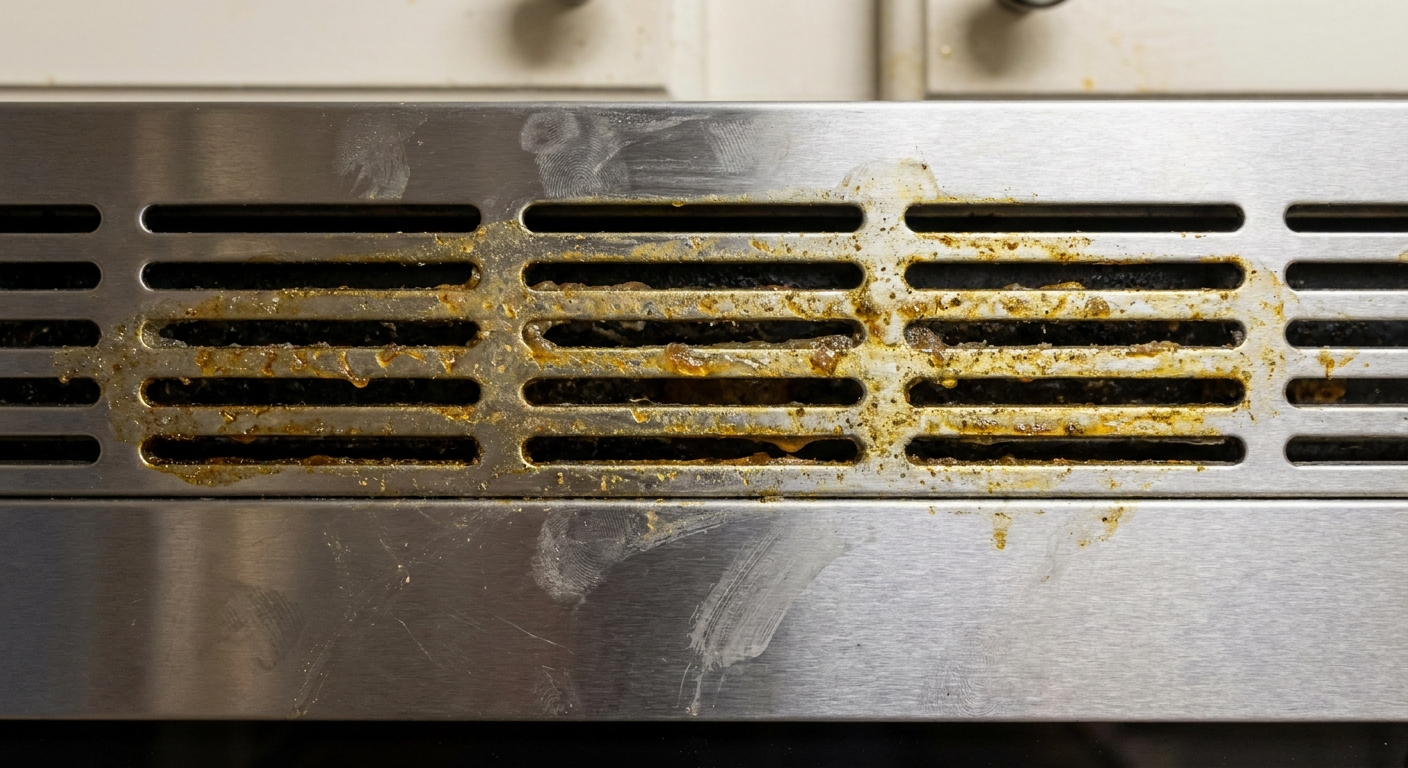
Overheating is a common reason a microwave will stop mid-cycle. This is especially true on over-the-range units that act as a range hood, where grease builds up fast. How it presents varies by model. Some units shut off but keep the display on, while others look totally dead until they cool.
What to look for
- Microwave runs for 10 to 60 seconds, then shuts off.
- It works again after sitting for 10 to 30 minutes.
- The top or side of the microwave feels unusually hot.
What to do
- Unplug the microwave.
- On an over-the-range unit, remove and wash the grease filters under the microwave (usually they slide out). Degrease with hot water and dish soap, then dry fully before reinstalling.
- Vacuum dust from any visible vent slots using a brush attachment.
- Do not block the top and front vent slots. Also make sure the microwave has the clearance your manual calls for so it can breathe.
Home test: After cleaning, run a 2 minute cook cycle with a mug of water. If it previously shut off at 20 seconds and now completes the cycle, you likely found your culprit.
Step 3: Door latch and door switches
The microwave has multiple door interlock switches that confirm the door is fully closed. If the control board sees a switch state it does not like, it can stop the cycle quickly to prevent unsafe operation. Door and interlock issues are one of the most common reasons a microwave starts and then stops.
Clues it is door related
- You have to lift, push, or slam the door to get it to run.
- It starts, then stops within 1 to 5 seconds.
- Opening and closing the door resets it, temporarily.
- The interior light flickers when you wiggle the door.
What you can safely check
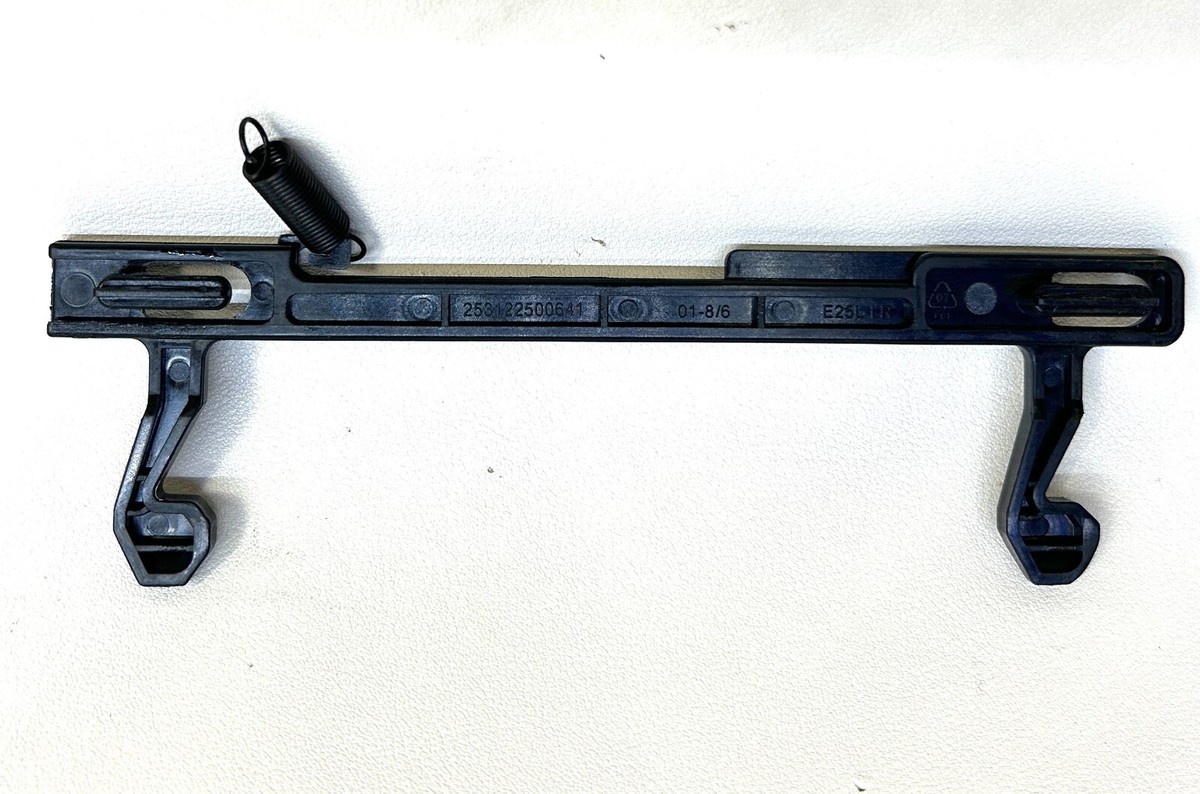
- Inspect the latch hooks on the door edge for cracks or wear.
- Check the door alignment: does it sag? Is one corner not seating flush?
- Clean the latch area (crumbs and grease can keep the door from fully engaging). Use a damp rag and a little dish soap. Dry it.
- Close the door gently but firmly and try again. Slamming can worsen switch bracket issues over time.
If the latch is broken
Replacing a broken door latch or handle assembly is often reasonable for a DIYer if it is an external door part and the replacement is readily available for your model. If the fix requires removing the microwave cover to access internal interlock switches, I recommend a pro.
Step 4: Failing cooling fan
If vents are clean but the microwave still shuts off mid-cycle and comes back later, the cooling fan may not be doing its job. On many units you can hear the fan spool up shortly after you hit Start.
Signs the fan is the issue
- No fan sound at all during operation, but you remember it used to have one.
- It shuts down faster with longer cook times or higher power settings.
- The cabinet area above an over-the-range microwave feels hot.
What you can do: Confirm vents are not blocked by a cabinet liner, shelf paper, or stored items. Beyond that, fan diagnosis and replacement typically involves opening the microwave, which is a service call for most homeowners.
Step 5: Sensor cook and control aborts
Some microwaves will stop a cycle if the control senses an error condition, especially in sensor cook modes. In plain English, the microwave thinks something is off and bails out.
Try this reset and test
- Unplug the microwave for 2 minutes.
- Plug it back in and set the clock if needed.
- Run a basic timed cook for 2 minutes with a mug of water. Avoid sensor cook for this test.
If it only fails on sensor modes, the sensor system (humidity or steam detection, depending on the model) or control logic could be acting up. If it fails on basic timed cook too, move back to door switches and overheating first, then consider internal causes that are technician territory.
Why timing matters
When the shutoff timing is consistent, that is a helpful clue:
- 1 to 5 seconds: door switch/interlock, door alignment, or the control is not seeing the proper door-closed signals.
- 10 to 60 seconds: overheating protection (restricted airflow, fan issue, or a thermal cutout opening).
- Random timing: loose power connection, failing control board, or an internal connection that opens with vibration or heat.
What not to do
- Do not bypass door switches. Those interlocks are there to keep microwaves from running with the door open.
- Do not keep restarting it hoping it will “power through.” Repeated overheating cycles can damage components.
- Do not remove the outer shell unless you are trained and know how to safely discharge a capacitor. I am comfortable around a lot of tools, but this is one area where I draw a bright line.
When to call a pro
Consider service or replacement if:
- The unit shuts off mid-cycle and only returns after it cools, even with clean vents and filters.
- The door is aligned and latching properly but it still stops within seconds.
- You notice burning smells, visible arcing, or melted plastic.
- The microwave is older and the repair estimate approaches half the cost of a new unit.
Internal issues like a failing thermal cutout (safety thermostat or fuse), high-voltage inverter or transformer, magnetron, or control board can also cause shutdowns. The problem is that confirming those usually means opening the cabinet, so it belongs in a shop, not on your kitchen counter.
Tip from my own thrifty playbook: If it is a countertop microwave and it is out of warranty, replacement is often the most cost-effective route once you rule out airflow and door latch issues. Over-the-range units cost more, so a service call can make more sense.
FAQ
Why does my microwave start then stop after 3 seconds?
A top suspect is a door interlock switch problem or a door that is not fully engaging the latch. Clean the latch area, inspect the door hooks, and make sure the door closes squarely. If it still happens, a technician may need to test and replace door switches.
My microwave shuts off but the display stays on. What does that mean?
That often points to the control stopping the cook cycle due to an interlock signal, a sensor condition, or a fault it detected. Start by ruling out door latch issues and overheating from blocked vents. Keep in mind some models handle safety shutdowns differently.
My microwave works again after I let it sit. Is that overheating?
Very often, yes. Clean filters and vents, confirm airflow, and listen for the cooling fan. A failing fan or a thermal cutout that opens early can cause shutoffs that fix themselves after cooling.
Can I fix a microwave shutting off by replacing a fuse?
Sometimes, but fuses and thermal cutouts are internal parts. Accessing them typically requires removing the microwave cover, which exposes high-voltage components. For most homeowners, that is a professional repair.
The 30-Second Cheat Sheet
Essential takeaways for: Microwave Runs Then Shuts Off? Causes and Fixes
Fast checks (in order)
- Power: Plug fit tight? Check for a tripped GFCI (often in kitchens). Try a hair dryer on high in the same outlet for a few seconds with other big loads off. Avoid extension cords.
- Door: Does it only run if you lift or slam the door? Clean latch area, inspect door hooks, confirm door sits square.
- Overheating: Clean vents and (if over-the-range) wash the grease filters. Make sure nothing blocks top/front vent slots.
- Test: Run 2 minutes on timed cook with a mug of water (skip sensor cook).
What the shutoff timing suggests
- 1 to 5 seconds: door interlock or latch issue is a top suspect.
- 10 to 60 seconds: overheating protection (restricted airflow or fan problem).
- Completely dead: power connection issue, GFCI trip, or an internal thermal cutout opening.
Stop and get help if
- Burning smell, smoke, or loud snapping/arcing.
- It keeps overheating even after cleaning vents and filters.
- You would need to remove the microwave cover to continue troubleshooting.
💡 Tip: Scroll up to read the full article for detailed, step-by-step instructions.
⬆️ Back to top
About Grit
Content Creator @ Grit & Home
Grit is Grit & Home’s little blue clay courier, delivering big questions about the place you call home. Expect practical ideas, a raised eyebrow, and a satchel full of curiosity.